
Full Windows 11 guide on the forum
Our step-by-step guide on the forum covers the full installation, patches and fixes for Windows 10 and 11, with room for questions and tips from other players.
About the game
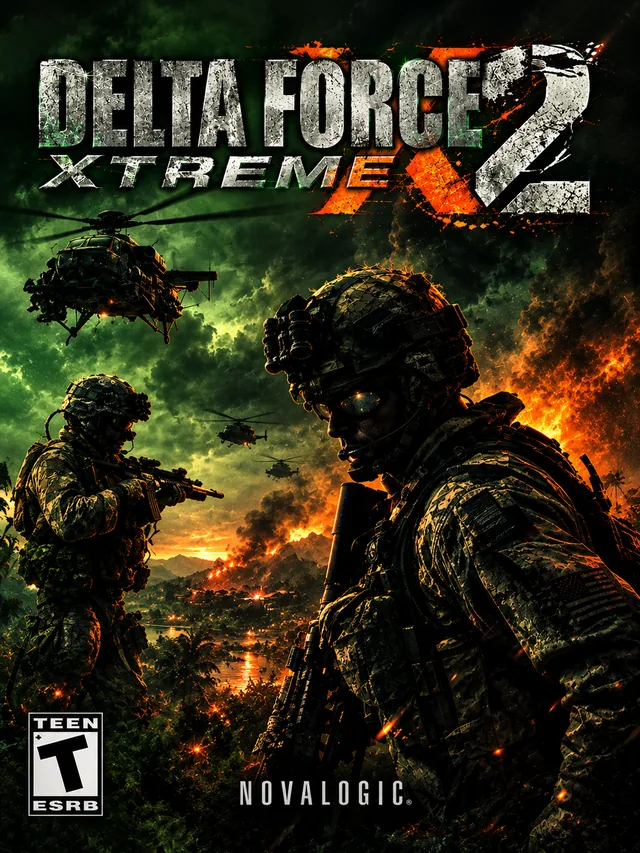
Delta Force: Xtreme 2 was released in 2009 and builds on Xtreme’s more accessible, action-oriented approach. The game features ten single-player missions across a variety of locations, more than twenty weapons, and deployment options by air, land, and sea. Alongside infantry combat, players can use helicopters, tanks, and fast boats; HALO insertions are also part of the action.
While the older Delta Force games often emphasized patience and carefully approaching objectives, Xtreme 2 presents the formula in a more modern and direct style. Large environments and the mix of vehicles and infantry remain central. The Battle Editor lets players create their own levels, which is useful for anyone who enjoys experimenting with scenarios and map design.
Mods and community content
The available community mods are scarce: ModDB does not show an extensive catalog of standalone Xtreme 2 mods. However, shared tools and certain mods whose creators say they support both Xtreme and Xtreme 2 are available, including the JO blood mod and MEdHQ. Always check compatibility notes, and do not assume files made for another Delta Force game will work.
NovaHQ’s map archive includes the “Delta Force Xtreme 2 Complete Pack,” a collection of single-player missions converted for Xtreme 2. The listing states that the Flat Terrains pack is required. This is an important example of why custom missions should be presented with their dependencies: installing the mission pack alone may not be enough for the maps to load correctly.
Installing on Windows 10/11
Read the installation guide on the forum
Before installing a NovaHQ download
- Confirm that the download is listed for the exact game and edition you own.
- Read any listed mod requirements. Custom maps may require a particular mod or additional terrain/object pack.
- Back up the installation folder and any game archive files (such as PFF files) before replacing or modifying them.
- Follow the download page’s own instructions rather than assuming every file installs the same way.
- For multiplayer maps, check whether every player needs the same map, mod, or terrain pack.