
Full Windows 11 guide on the forum
Our step-by-step guide on the forum covers the full installation, patches and fixes for Windows 10 and 11, with room for questions and tips from other players.
About the game
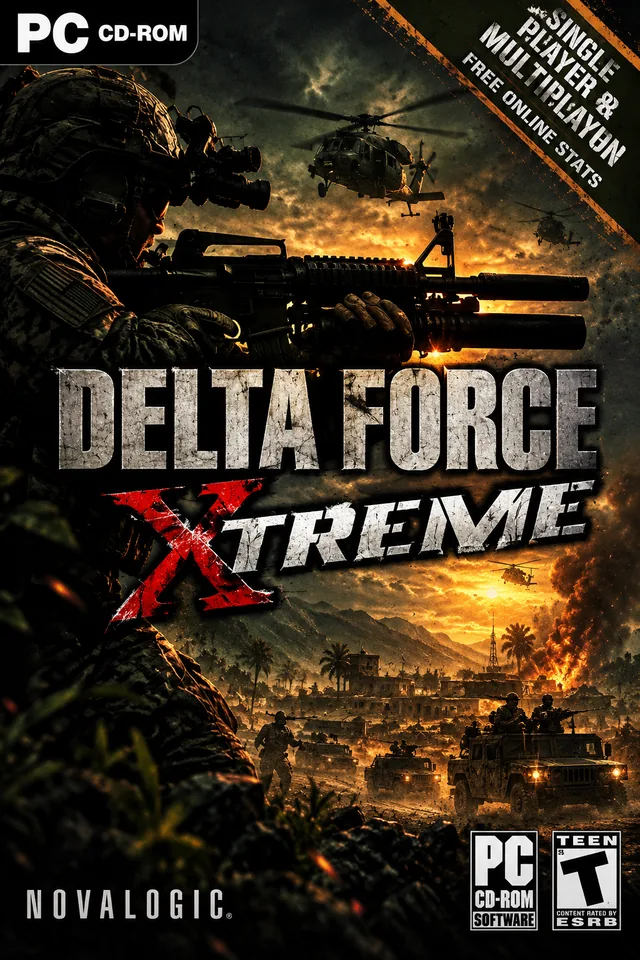
Delta Force: Xtreme, released in 2005, revisits the original Delta Force experience with refreshed graphics and a collection of classic and new missions. The game includes more than sixty levels, including reworked missions from the first Delta Force, new single-player missions, and cooperative objectives. It also offers several multiplayer modes, such as Team Deathmatch and Capture the Flag.
What makes Xtreme special is how it brought the original game’s open, long-range combat into a more accessible package for the hardware of its era. It is something of an anniversary edition of the formula: large outdoor environments, long-range shooting, and missions that let players choose their own approach, with an updated presentation and additional content. For fans of the original, it offers a familiar experience without being an exact re-release.
Mods and community content
The selection of full mods is limited, but community tools are available. ModDB lists items such as patches and MEdHQ, a tool for mapping and accessing certain settings. Some general NovaLogic mods, such as the JO blood mod, list support for Xtreme and Xtreme 2; read each description carefully, as compatibility may vary by version. A mapping tool is also different from a ready-made campaign mod.
NovaHQ lists a single-player mod by 4rc28 for Delta Force: Xtreme. Its description says it adds missions and campaigns in locations including Peru, Chad, Novaya Zemlya, Indonesia, and Uzbekistan, as well as quick missions and shorter campaigns accessible through the single-player or instant-action menus. The download archive contains its own installation instructions, which should take priority over generic advice.
NovaHQ also lists small gameplay changes, including a teammate durability pack. These are narrower tweaks rather than full campaigns, so describe them separately on the website and clearly note the game version they support.
Installing on Windows 10/11
Read the installation guide on the forum
Before installing a NovaHQ download
- Confirm that the download is listed for the exact game and edition you own.
- Read any listed mod requirements. Custom maps may require a particular mod or additional terrain/object pack.
- Back up the installation folder and any game archive files (such as PFF files) before replacing or modifying them.
- Follow the download page’s own instructions rather than assuming every file installs the same way.
- For multiplayer maps, check whether every player needs the same map, mod, or terrain pack.