
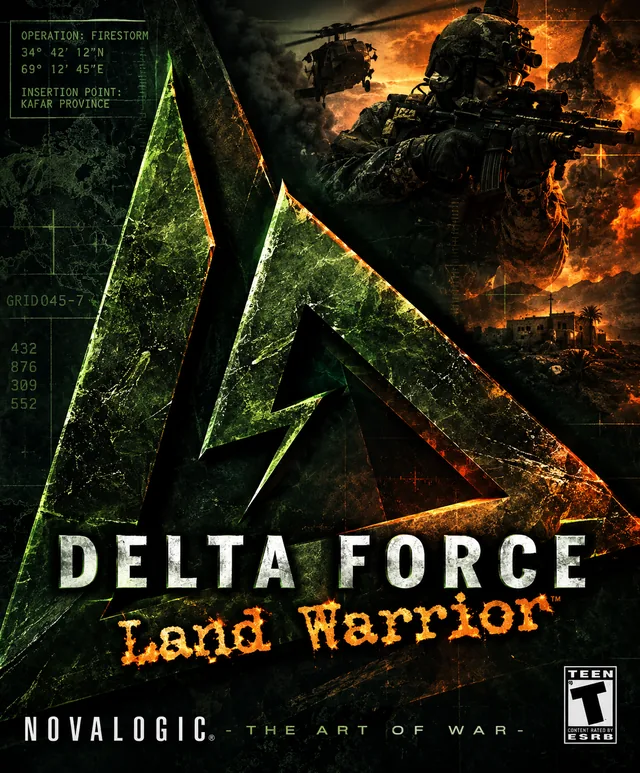
About the game
Delta Force: Land Warrior, released in 2000, builds on the open, tactical combat of the earlier Delta Force games. Missions take place in large outdoor environments where distance, terrain, and visibility influence how you approach an objective. The game introduced several specialist characters, including roles focused on sniping, explosives, close-quarters combat, water-based operations, or heavy weapons.
For its time, Land Warrior stood out through its combination of large landscapes, tactical missions, and multiplayer battles with many players. The game rewarded patience: enemies could be far away, and a direct assault was not always the best option. The ability to create custom missions and multiplayer maps also helped extend the game’s lifespan.
Mods and community content
Community files are still available, including extra maps and mission content. One example listed on ModDB is “All Delta Force: Land Warrior mods,” a fan compilation that includes additional objectives and a collection of extra maps. Since such collections were assembled by fans and may contain old files, read the included instructions and scan downloads with antivirus software.
Beyond extra maps, NovaHQ documents cross-game content conversions. “DFTFD Items In DFLW” transfers more than 150 items from Task Force Dagger into Land Warrior, including objects that were present in the original games but not activated. The archive notes that another item pack is required first and specifically advises backing up Dflw.pff. This is an advanced mod, not a one-click map download.
NovaHQ also hosts a Land Warrior Fixer and the official update v1.00.42. The fixer’s notes describe startup and lobby options and a Windows 10/11 graphics fix for border or grey-screen problems. Its instructions warn Steam users not to verify the game files after applying the fix, because Steam may overwrite modified files. The page also suggests installing outside C:\\Program Files to avoid many permission issues.
Installing on Windows 10/11
To install on Windows 10/11, start with a clean installation and make a copy of the entire Land Warrior folder. Extract a mod to a temporary folder first; do not run an installer directly from inside a ZIP archive. If a package asks for the game directory, select the folder where the game is actually installed. Launch the game and check whether the extra missions or maps appear. The older CD release may have additional issues on modern Windows due to outdated copy protection, so a current digital edition may be more practical. Compatibility mode or dgVoodoo2 may help, but results vary by system.
Before you start
The NovaLogic games from this era were designed for older versions of Windows and DirectX. On Windows 10 and 11, one PC may run them without issues while another may experience graphical glitches, a black screen, or crashes. Whenever possible, install a legitimate copy, launch the game once without mods, and make a backup of the installation folder before changing any files.
General approach: right-click the game executable (usually an .exe file), choose Properties > Compatibility, and, if needed, try Windows XP compatibility mode and “Run this program as an administrator.” Avoid changing several settings at once; test after each change. For older Direct3D games, dgVoodoo2 may sometimes improve graphics compatibility. Download it only from the official GitHub releases page and follow the included instructions. It is not a guaranteed fix for every PC or game.
Before installing a NovaHQ download
- Confirm that the download is listed for the exact game and edition you own.
- Read any listed mod requirements. Custom maps may require a particular mod or additional terrain/object pack.
- Back up the installation folder and any game archive files (such as PFF files) before replacing or modifying them.
- Follow the download page’s own instructions rather than assuming every file installs the same way.
- For multiplayer maps, check whether every player needs the same map, mod, or terrain pack.