
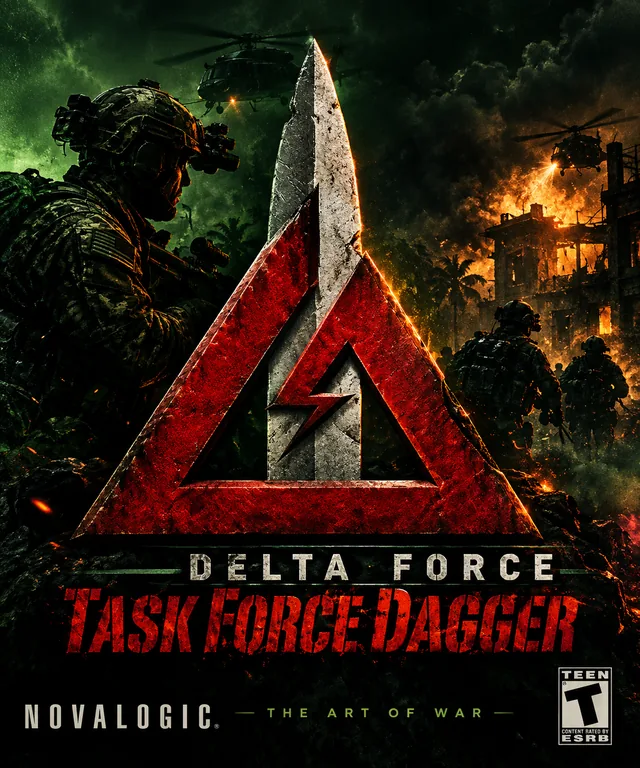
About the game
Released in 2002, Delta Force: Task Force Dagger is a standalone expansion built on the foundations of Land Warrior. Its action is inspired by operations in Afghanistan, and players can choose from several special operations forces, including Delta Force, Rangers, SEALs, Green Berets, and international special forces. The campaign includes missions involving airfields, enemy bases, and convoys, with an arsenal of weapons and air support.
Task Force Dagger’s strength lies in the familiar, deliberate Delta Force approach: scout the area, judge distances, choose a route, and eliminate targets without raising unnecessary alarms. Missions combine open terrain with tactical objectives and use features such as UAV reconnaissance and air strikes. As a result, the game feels more like a series of military operations than a fast, linear action shooter.
Mods and community content
The mod scene is smaller than that of some other shooters, but the editor and the game’s relationship to Land Warrior have allowed room for extra missions and community content. Look for Task Force Dagger-specific maps, patches, and guides on established community sites. Do not assume that a Land Warrior mod will work automatically: the games are related, but their files, missions, and versions are not always interchangeable.
NovaHQ has a substantial Task Force Dagger map archive, including single-player, co-op, and multiplayer missions. Recent entries include a preview mission for a community project called “Task Force Dagger: Reloaded,” which aims to polish original maps and add musical cues, new sections, updated briefings, models, and 3D first-person weapon views. Treat this as a community project in development, not an official release.
The archive also contains optional terrain and object packs that expand the game with content from other Delta Force titles. For example, a pack adds all 18 Delta Force 2 terrains to Task Force Dagger, and other packs bring in Land Warrior terrains and objects. These are dependencies: other players may need the same packs to join a game using those maps. Back up the relevant PFF files before installing such additions.
Installing on Windows 10/11
To install on Windows 10/11, install the game, launch it without mods first, and back up the installation folder. Extract downloaded files and follow the creator’s instructions; copy files only to the location specified in the README. If a mod has an installer, make sure it points to the correct Task Force Dagger folder. The Steam version lists older Windows versions as its original system requirements, so compatibility issues are possible. If necessary, try XP compatibility mode and administrator privileges; dgVoodoo2 may be an option for graphics problems. Online functionality depends on current community support.
Before you start
The NovaLogic games from this era were designed for older versions of Windows and DirectX. On Windows 10 and 11, one PC may run them without issues while another may experience graphical glitches, a black screen, or crashes. Whenever possible, install a legitimate copy, launch the game once without mods, and make a backup of the installation folder before changing any files.
General approach: right-click the game executable (usually an .exe file), choose Properties > Compatibility, and, if needed, try Windows XP compatibility mode and “Run this program as an administrator.” Avoid changing several settings at once; test after each change. For older Direct3D games, dgVoodoo2 may sometimes improve graphics compatibility. Download it only from the official GitHub releases page and follow the included instructions. It is not a guaranteed fix for every PC or game.
Before installing a NovaHQ download
- Confirm that the download is listed for the exact game and edition you own.
- Read any listed mod requirements. Custom maps may require a particular mod or additional terrain/object pack.
- Back up the installation folder and any game archive files (such as PFF files) before replacing or modifying them.
- Follow the download page’s own instructions rather than assuming every file installs the same way.
- For multiplayer maps, check whether every player needs the same map, mod, or terrain pack.